
Loading...
Convert photos to black and white, grayscale, sepia or a custom monochrome tone for free. No signup required, works in your browser on Mac, Windows, iPhone and Android.
Choose any target color to create brand-consistent monochrome visuals, vintage sepia effects, blue-tone mood photography, or classic high-contrast black and white. Adjust the intensity to blend between the original color photo and the full monochrome result.
Works with JPG, PNG, WebP and HEIC files. Download your result as JPG or PNG with no watermarks, no account, and no usage limits.
Transform any photo into stunning monochrome or a custom color scale. Perfect for photographers, designers and brand imagery.
Three steps. No signup, nothing to install.
Drop a JPG, PNG, WebP, HEIC or HEIF photo onto the page, up to 15 MB in size. The image loads with no signup and nothing to install.
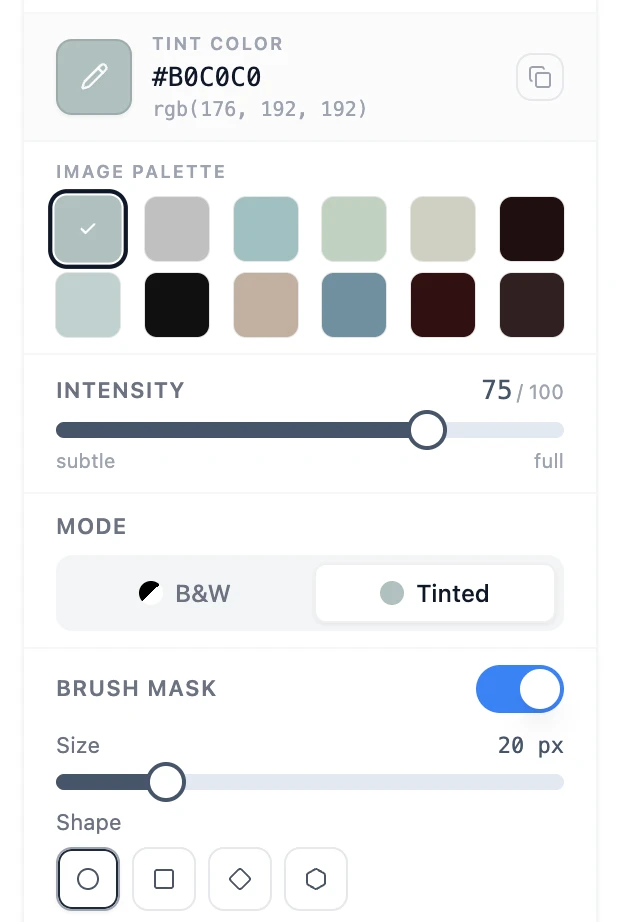
Pick B&W for a pure grayscale look, or Tinted to colorize the result with any swatch from the picker or your image palette.
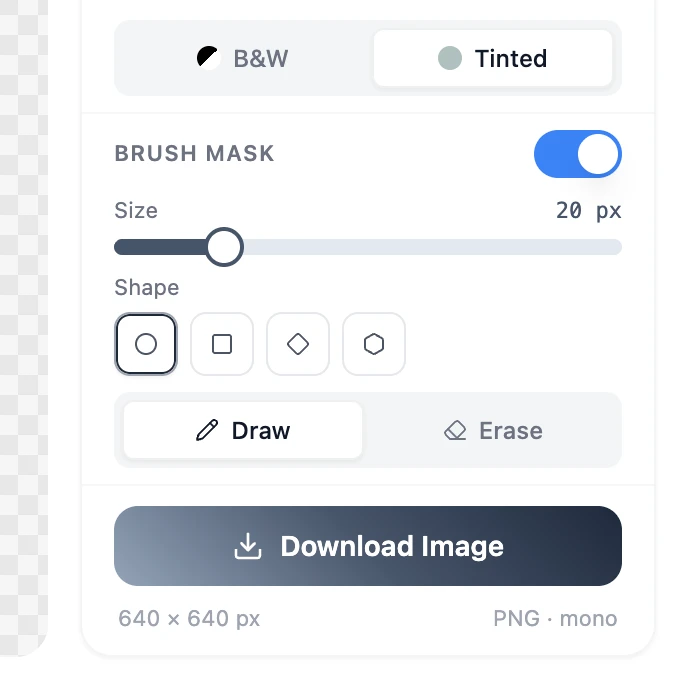
Turn on Brush Mask to convert only the zones you paint, or leave it off to treat the whole photo. Download the result as a PNG.
From timeless portraits to editorial color grading
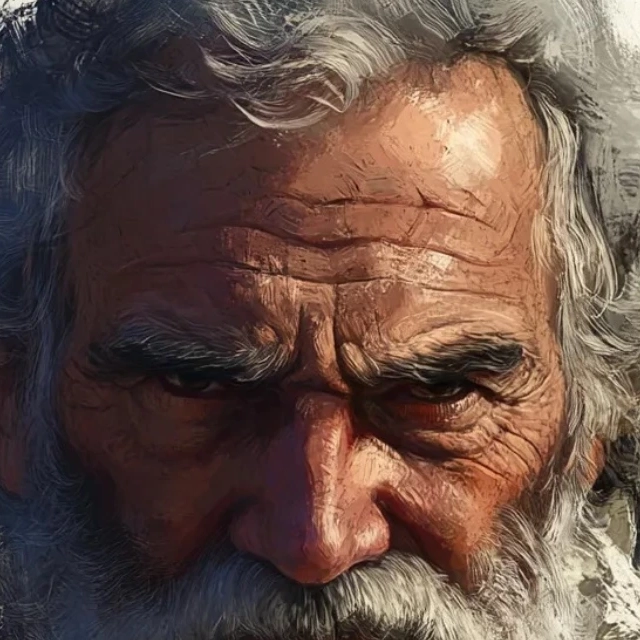 Before
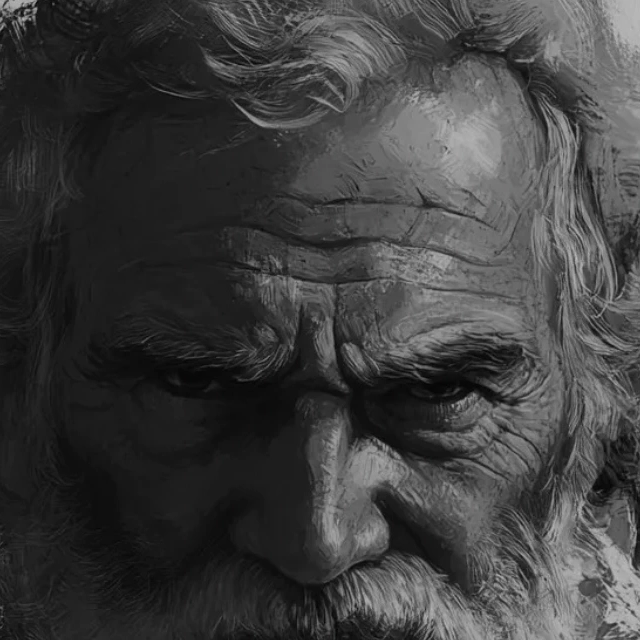 After
AfterStrip out distracting color and let expression do the talking. Push intensity to 100, leave the mode on B&W, and any portrait turns into a timeless gallery print.
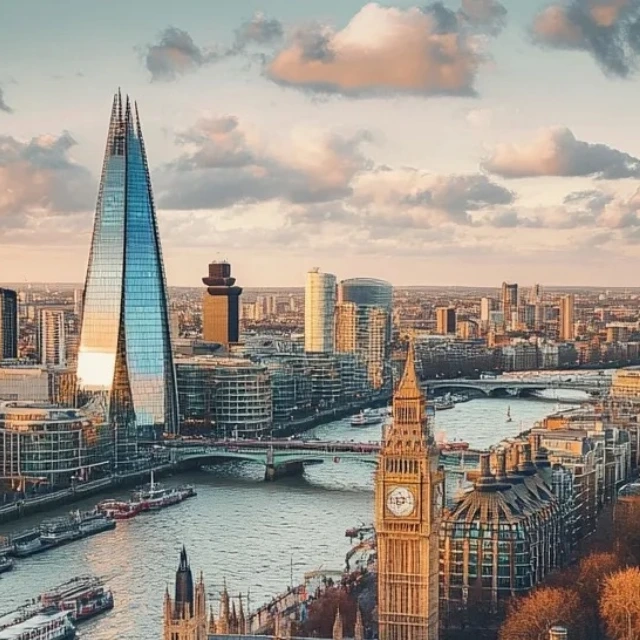 Before
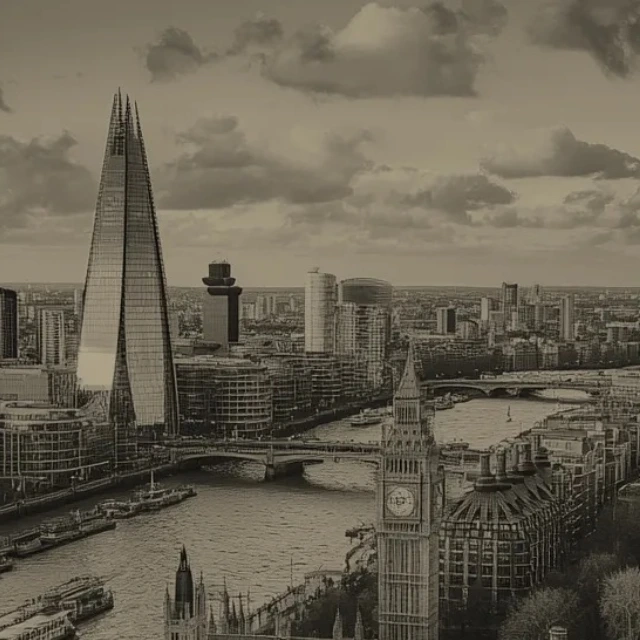 After
AfterSwitch to Tinted, pick a warm sepia from the swatch or your image palette, and any travel photo becomes a magazine cover with vintage editorial warmth.
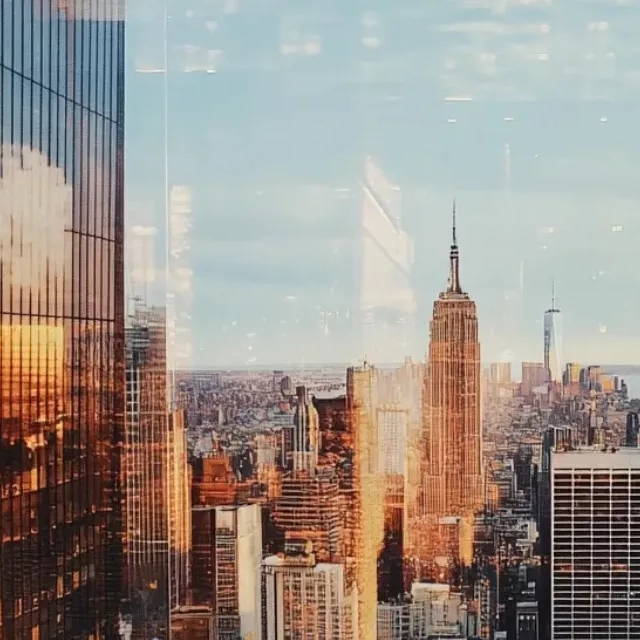 Before
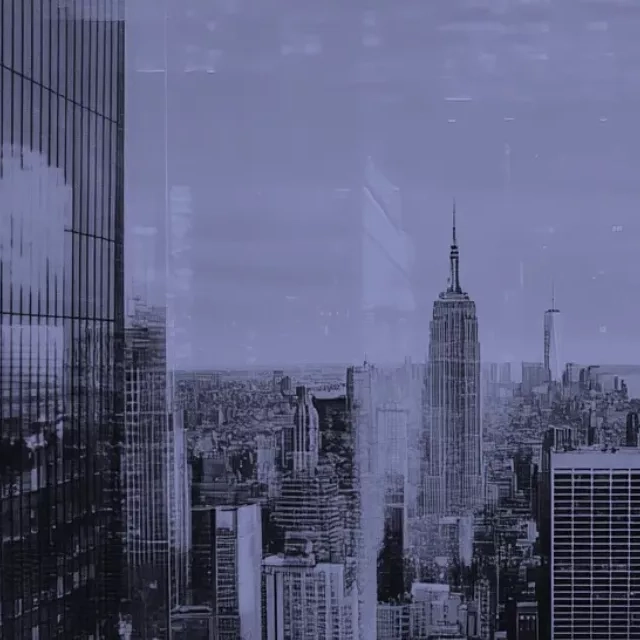 After
AfterSwitch to Tinted, choose a cool blue or teal, and a sunlit cityscape takes on the moody blue hour atmosphere of an editorial film set without leaving home.
Monochrome images communicate mood and intention in ways that color photos often can't. Here's where it matters most.
Black-and-white photography is a timeless style that emphasizes texture, contrast, light and shadow. Convert color photos to classic grayscale, sepia, or a custom tone to create dramatic portraits, architectural shots and street photography with a distinctive, professional aesthetic.
A consistent monochrome palette across a social feed or website creates a strong visual identity. Apply a brand color as a monochrome tone to images to keep all visual content on-brand, whether for Instagram, LinkedIn banners, email headers or marketing collateral.
Newspapers, magazines and posters often use high-contrast monochrome images for their visual impact and to reduce printing costs. Convert photos to grayscale for press-ready editorial images, event programs, newsletters and any print format where color reproduction is limited or unwanted.
Free, no signup, and all editing happens in your browser.
Quick answers about how this tool works and how to get the best results.
Yes. The tool converts your photo to any monochrome tone, not just grayscale. You can pick any target color and the image will be rendered in shades of that color. This gives you sepia, blue-tone, warm bronze, brand-color tints, and more. Pure black and white is simply the result when you choose a neutral gray or desaturate fully.
Grayscale maps every pixel to a shade of gray, keeping luminosity (brightness) but removing all color information. A custom monochrome tone does the same brightness mapping but replaces the gray scale with a scale of your chosen color. Highlights stay light and shadows stay dark, but the whole image is tinted in your selected hue. This is useful for mood photography, brand-consistent visuals, and artistic prints.
The intensity slider lets you blend between the original color photo and the full monochrome result. At 100% the image is fully converted to your chosen tone. Pulling back below 100% lets through some of the original color, which creates a subtle duotone or faded-film look without fully desaturating the photo.
You can upload JPG, PNG, WebP and HEIC files. The output can be downloaded as JPG or PNG. Choose PNG if you need a lossless result or if your image has a transparent background; JPG is a smaller file and works well for photos you plan to share online.