
Loading...
Rotate any image 90° left, 90° right or 180°, and flip it horizontally or vertically for free. No signup, no software, all editing happens in your browser. Works on Mac, Windows, iPhone and Android.
All operations show a live preview before you download. Combine multiple rotations and flips in any sequence, then reset to the original in one click. The result always downloads as a lossless PNG so no quality is lost regardless of how many operations you apply.
Upload JPG, PNG, WebP, GIF or HEIC files. Perfect for fixing sideways photos, creating mirror effects, and preparing images for social media or print.
Fix sideways photos or create mirror effects for free. Rotate 90°, 180° or flip any JPG, PNG, WebP or HEIC. Live preview.
Three steps. No software or account required.
Drop any JPG, PNG, WebP or HEIC file into the free online image rotator. Files up to 25 MB are supported. Your photo stays in your browser.
Click 90° or 180° to rotate an image, or Flip Horizontal to mirror it online. The Straighten slider levels any crooked horizon to the exact degree.
Download your rotated or flipped photo at full original resolution. Export as JPG, PNG or WebP, free and no signup.
From fixing phone photos to professional design work
 Before
 After
AfterSmartphones often save landscape shots sideways or upside down. Rotate a photo 90 degrees online to correct the orientation, with no app or account needed.
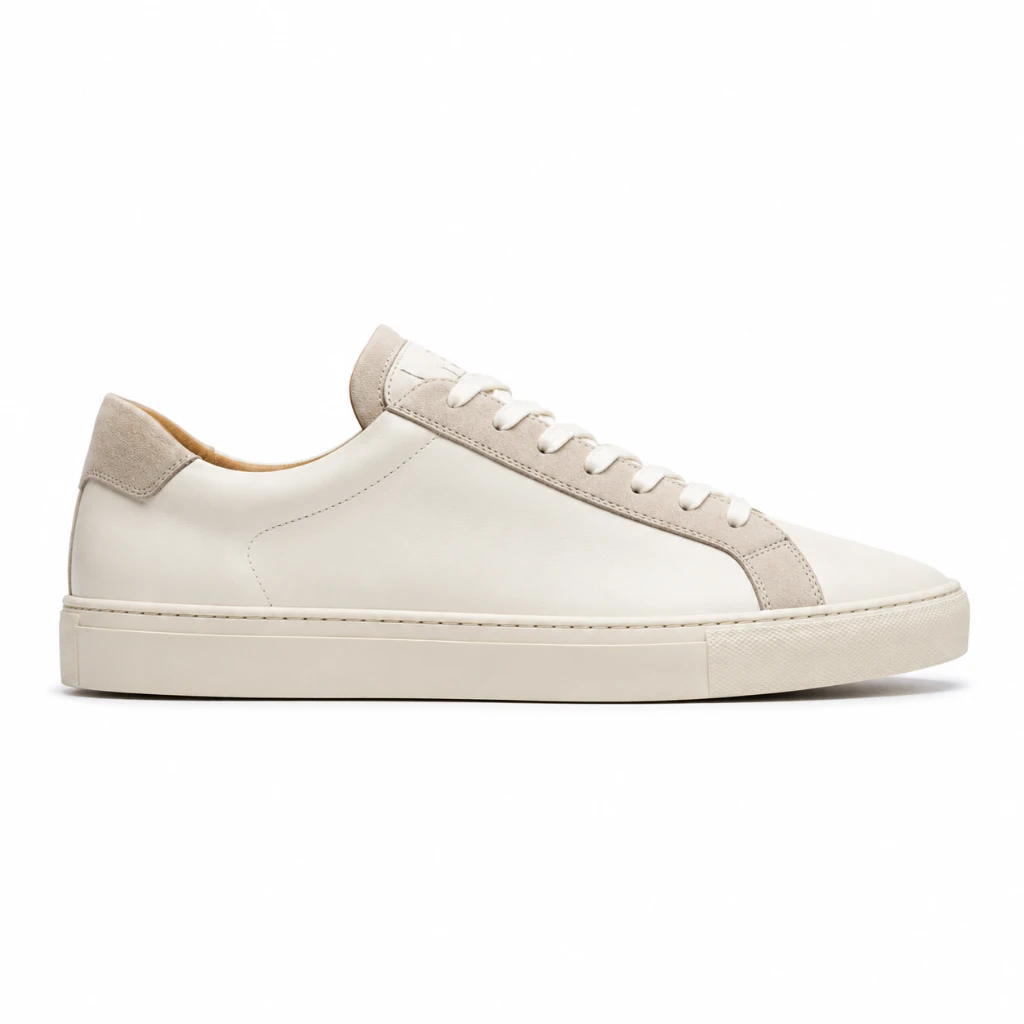 Before
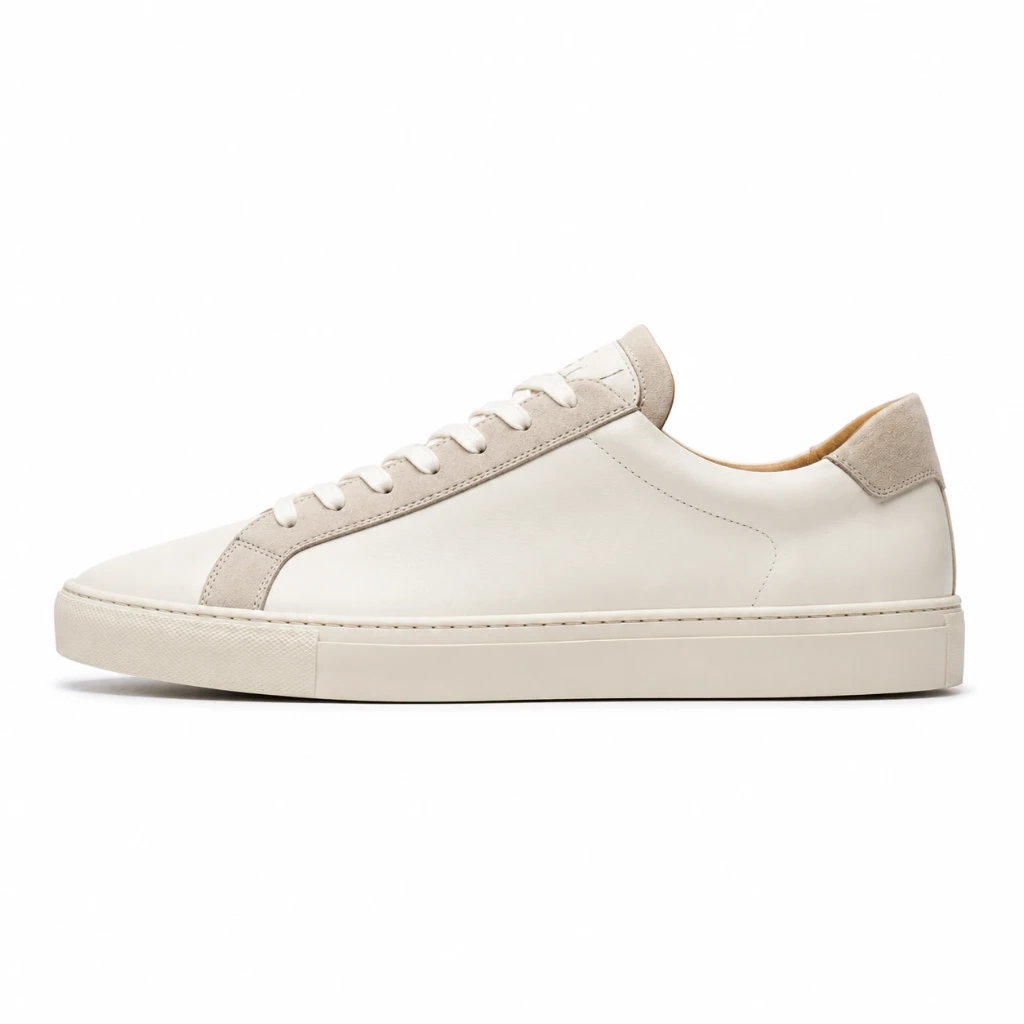 After
AfterFlip an image horizontally to create perfect mirror compositions for logos, banners or social media content. The online image flipper preserves every pixel at full original resolution.
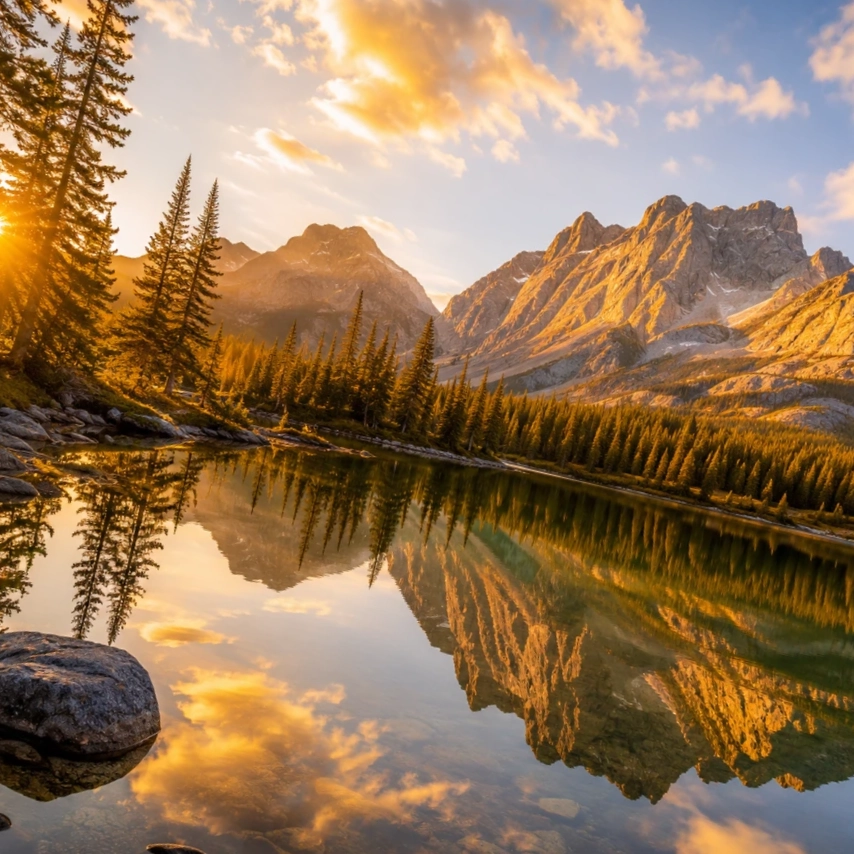 Before
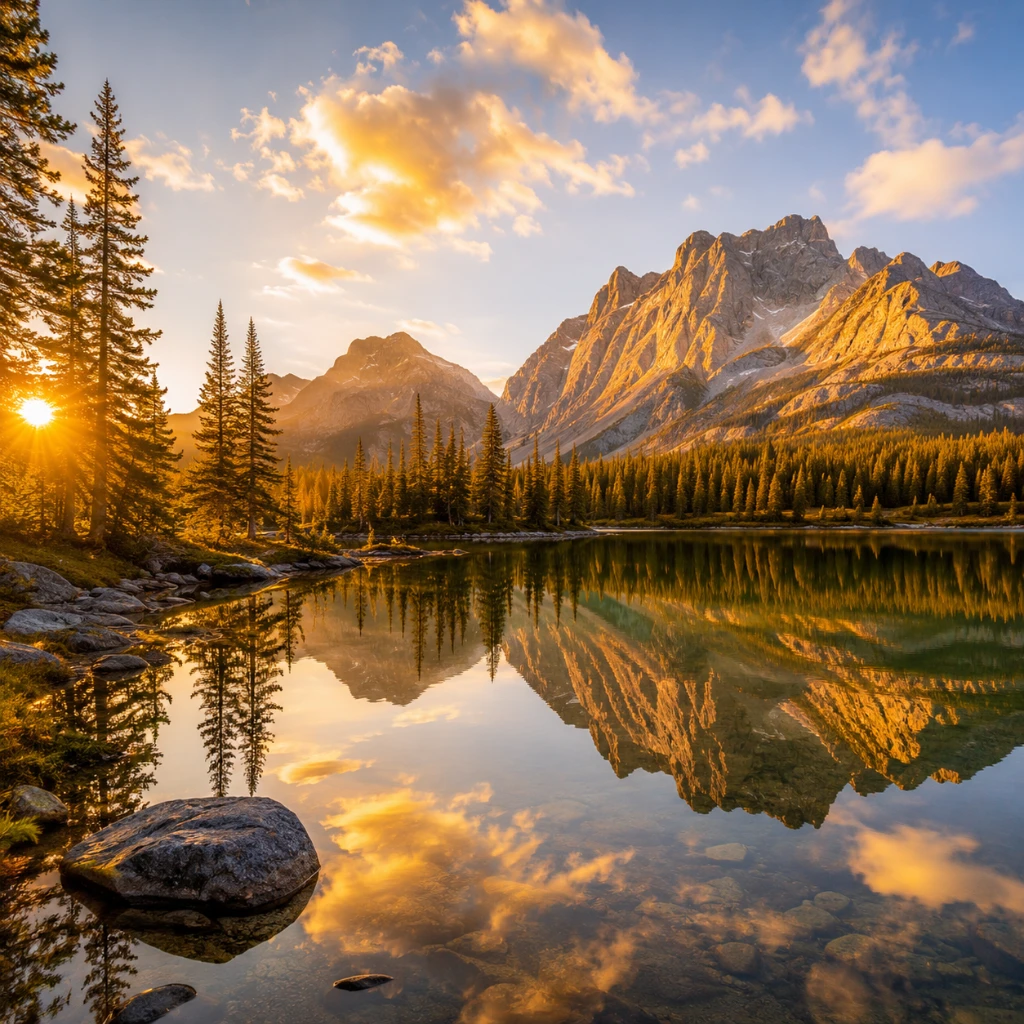 After
AfterLevel a crooked horizon in landscape or architectural shots using the Straighten slider. Rotate a photo by fractions of a degree online, faster than opening a desktop app.
Orientation errors are one of the most common and frustrating image problems. Here is where fixing them matters most.
Cameras and phones sometimes embed incorrect orientation data in photo files, causing images to display sideways or upside down in certain applications. Rotate the photo to the correct orientation before uploading to a website, sharing on social media, or delivering to a client. No software installation required, and the lossless PNG output preserves every pixel of the original.
Flipping an image horizontally creates a mirror version useful for symmetrical designs, logo variations, and layout experiments. Rotate photos to match a specific layout direction, reorient product shots for different placements, or rotate scanned documents and text images to the correct reading angle. All operations preview before you download.
Scanned documents, photos shared from older devices, screenshots from certain apps, and images embedded in PDFs sometimes arrive rotated. Instead of opening a full photo editor to fix a single orientation issue, drop the file in, rotate it to the correct angle, and download the result. Free, no account required, works on any device.
Free, no signup, and all editing happens in your browser.
Quick answers about how this tool works and how to get the best results.
You can rotate any image left or right by 90°, spin it 180°, flip it horizontally to create a mirror effect, or flip it vertically. All actions show a live preview so you can see the result before downloading. It is useful for photographers correcting orientation, designers creating symmetrical compositions, and content creators preparing images for social media or blogs.
Yes. All rotation and flip operations happen directly in your browser. Your image stays in your browser. PictTools has no access to your files, and nothing is retained when you close the tab.
The tool accepts JPG, PNG, WebP and HEIC files, including photos straight from iPhone cameras. The result is downloaded in the same format as your original. JPG stays JPG, PNG stays PNG, and WebP stays WebP. HEIC files are converted to JPG on upload.
Yes. You can apply multiple operations in any sequence. For example, rotate 90° right and then flip horizontally to achieve a custom orientation. The active flip state is always highlighted so you know exactly what is applied, and the Reset button clears everything back to the original in one click.
No. The tool reads your original file at full resolution and writes the result in the same format. JPG stays JPG, PNG stays PNG, and WebP stays WebP. HEIC converts to JPG. No extra compression is applied, so there is no quality loss from the rotation or flip operations themselves.