
Loading...
Remove the background from any photo for free and download a clean transparent PNG in seconds. No signup, no software, no watermarks. Works instantly in your browser on Mac, Windows, iPhone and Android.
Click on any color in your image to make it transparent. Adjust the tolerance slider to expand the selection to nearby shades, then keep clicking until the background is fully removed. Perfect for product photos on white backgrounds, logos, and social media graphics.
Upload JPG, PNG, WebP or HEIC files. The result always downloads as a transparent PNG, the only web format that supports full transparency.
Remove image backgrounds and create transparent PNGs with precision for free. Works with JPG, PNG, WebP, HEIC and HEIF files.
Three steps. No signup, nothing to install.
Drop a JPG, PNG, WebP, HEIC or HEIF photo onto the page, up to 15 MB in size. The image loads instantly with no signup and nothing to install.
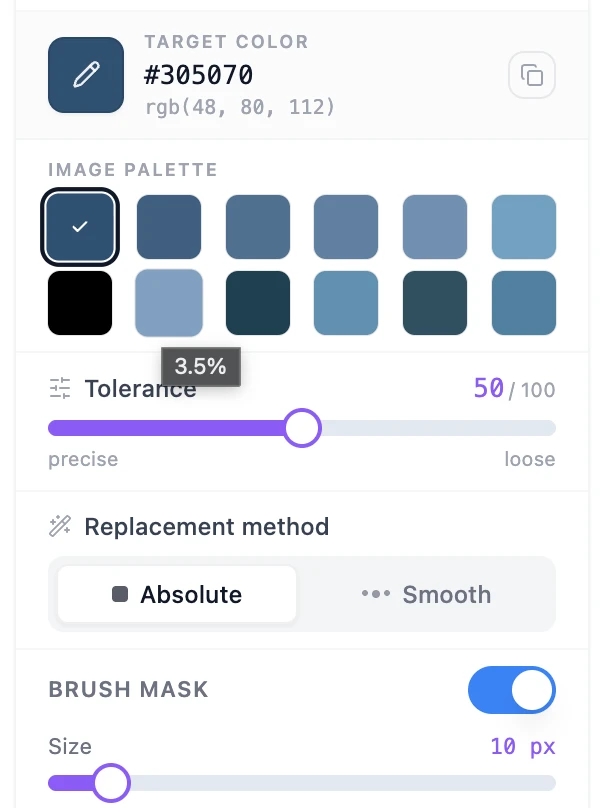
Click the background color you want to remove, drag the tolerance slider until every shade of it is covered, and pick Absolute or Smooth.
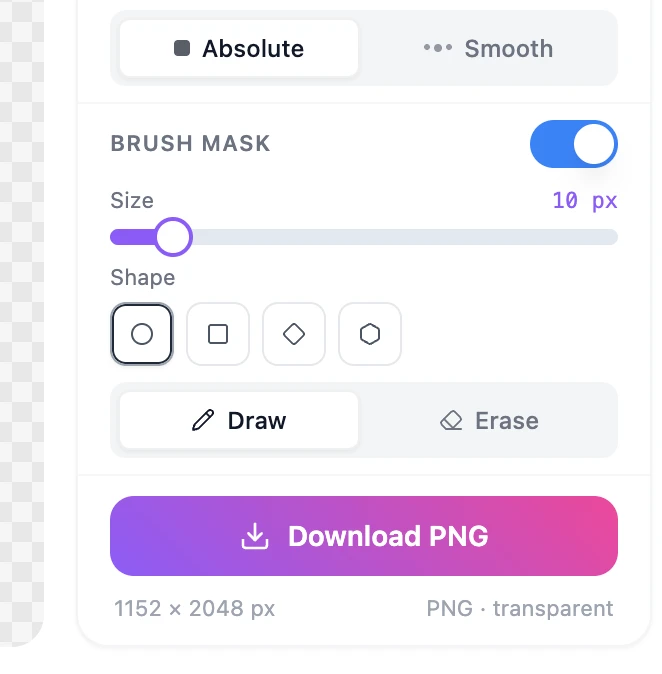
Turn on Brush Mask for surgical zone control, or skip it for a global removal. Download the result as a transparent PNG with no watermark.
From product cutouts to scanned signatures
 Before
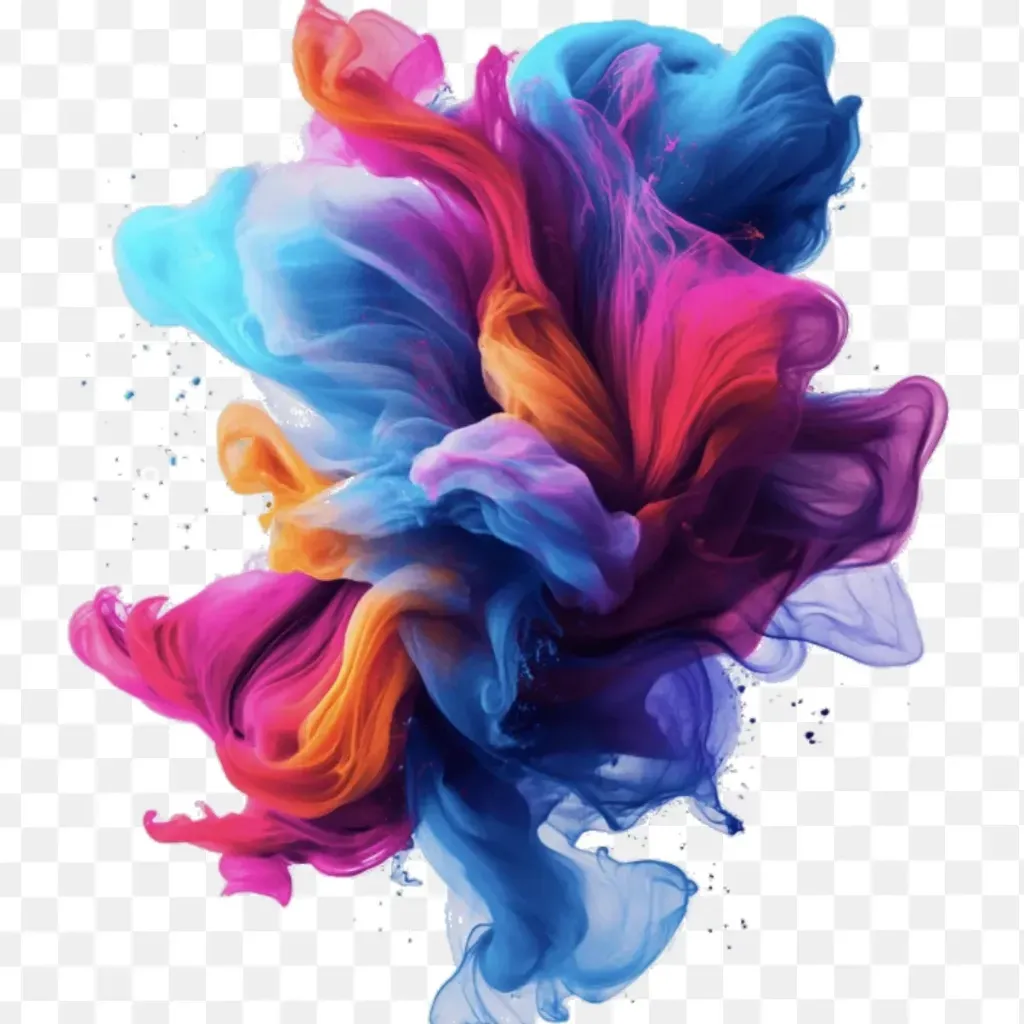 After
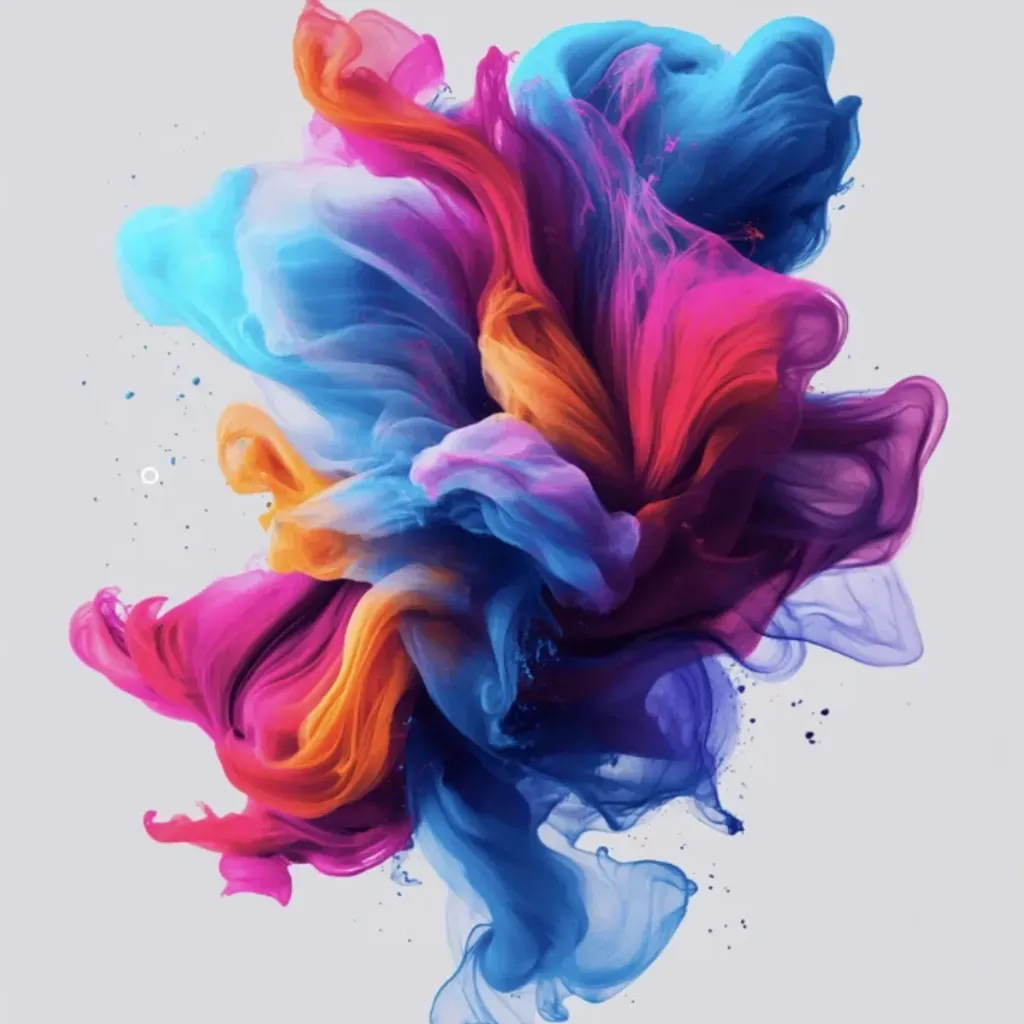
AfterPick the background color, push tolerance until every shade is covered, and download a clean PNG with the backdrop gone. Ready to drop onto any new design.
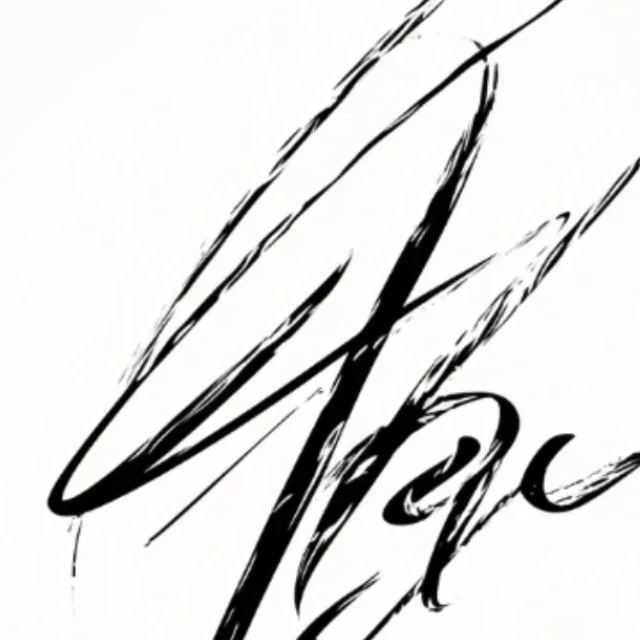 Before
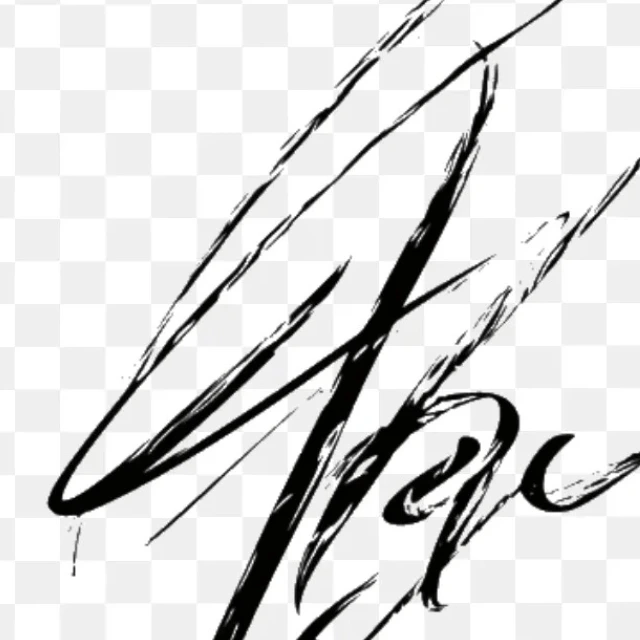 After
AfterPick the paper color and let the ink stand alone on a transparent backdrop. Use it for PDF signatures, document overlays and clean reproduction of any scanned mark.
 Before
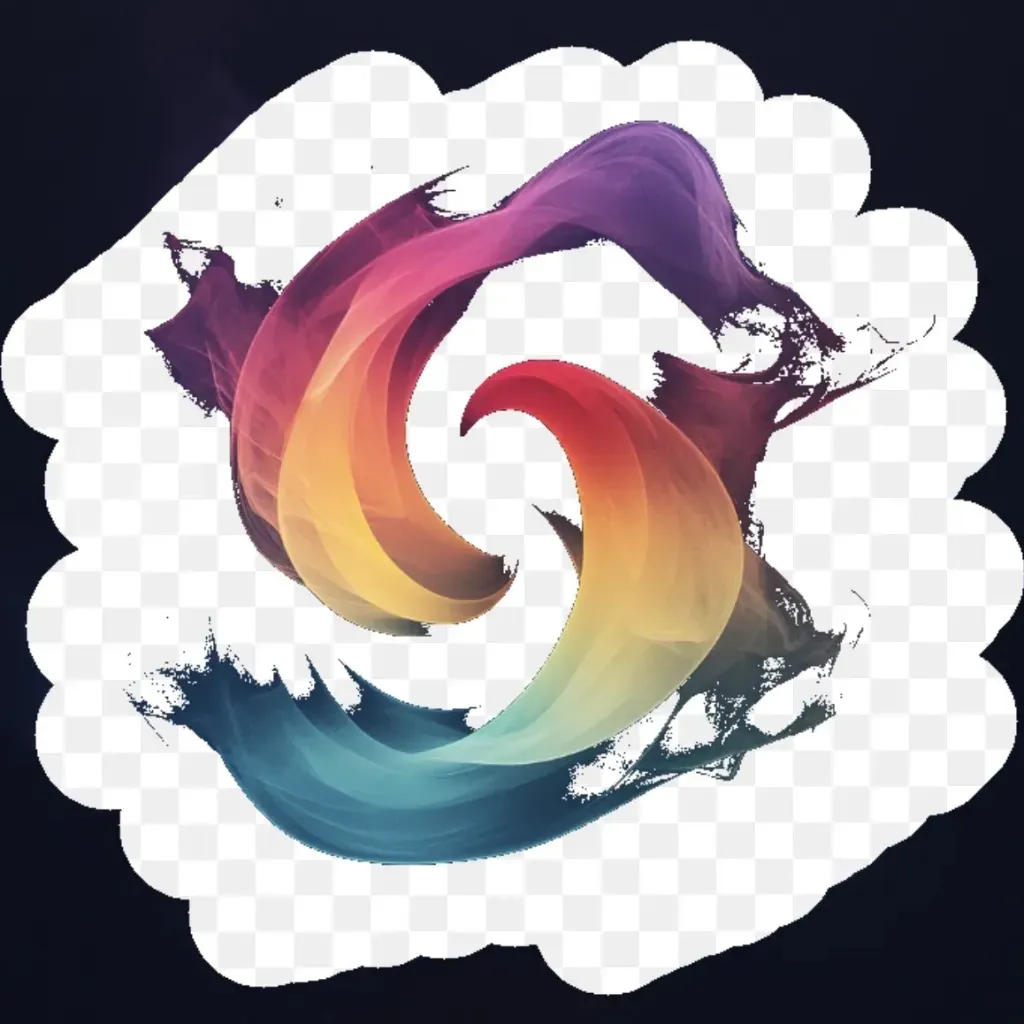 After
AfterTurn on Brush Mask, paint the zones you want transparent, and the rest of the photo stays untouched. Total precision for stickers, isolated subjects and creative cutouts.
A transparent background is one of the most versatile assets in digital design. Here is where it matters most.
Product listings on Amazon, Etsy, Shopify and other platforms require clean images on a white or transparent background. Remove distracting backgrounds from product photos in seconds, without a photo studio or expensive editing software. Consistent, professional-looking product images increase click-through rates and conversions.
Transparent PNGs are the foundation of compositing work. Place subjects on new backgrounds, layer images in presentations, create stickers, design logos with no background, and build social media templates. Having a clean cutout ready in seconds removes the bottleneck of manual background removal in Photoshop for quick turnaround projects.
YouTube thumbnails, Instagram posts, Pinterest graphics and blog headers often require isolated subjects placed over custom backgrounds or text. Removing the background from a photo lets you drop any image into your template, match your brand palette, and create consistently polished visuals without hiring a designer.
Quick answers about how this tool works and how to get the best results.
The tool uses color analysis to detect and remove areas of your image based on the color you select. Click or tap the background color you want to erase, then adjust the sensitivity slider to expand or tighten the selection. Lower sensitivity targets only the exact shade you picked; higher sensitivity removes similar colors across the image. Once you are happy with the result, download your image as a transparent PNG.
Images with a clear, uniform background, such as a white studio backdrop, a solid-color wall, or a plain sky, give the cleanest results. Images where the subject and background share similar colors require more careful sensitivity adjustment. For product photos on white or gray backgrounds, the tool works especially well and typically removes the background in a single click.
You can upload JPG, PNG, WebP and HEIC files. The result always exports as a PNG with a transparent background. PNG is the only web format that supports full transparency. You can then use the transparent PNG directly in design tools, presentations, e-commerce listings, or any platform that accepts transparent images.
Yes. All processing happens directly in your browser. Your image stays in your browser. PictTools does not store, share, or have access to any photo you edit. Once you close the tab, nothing is retained.