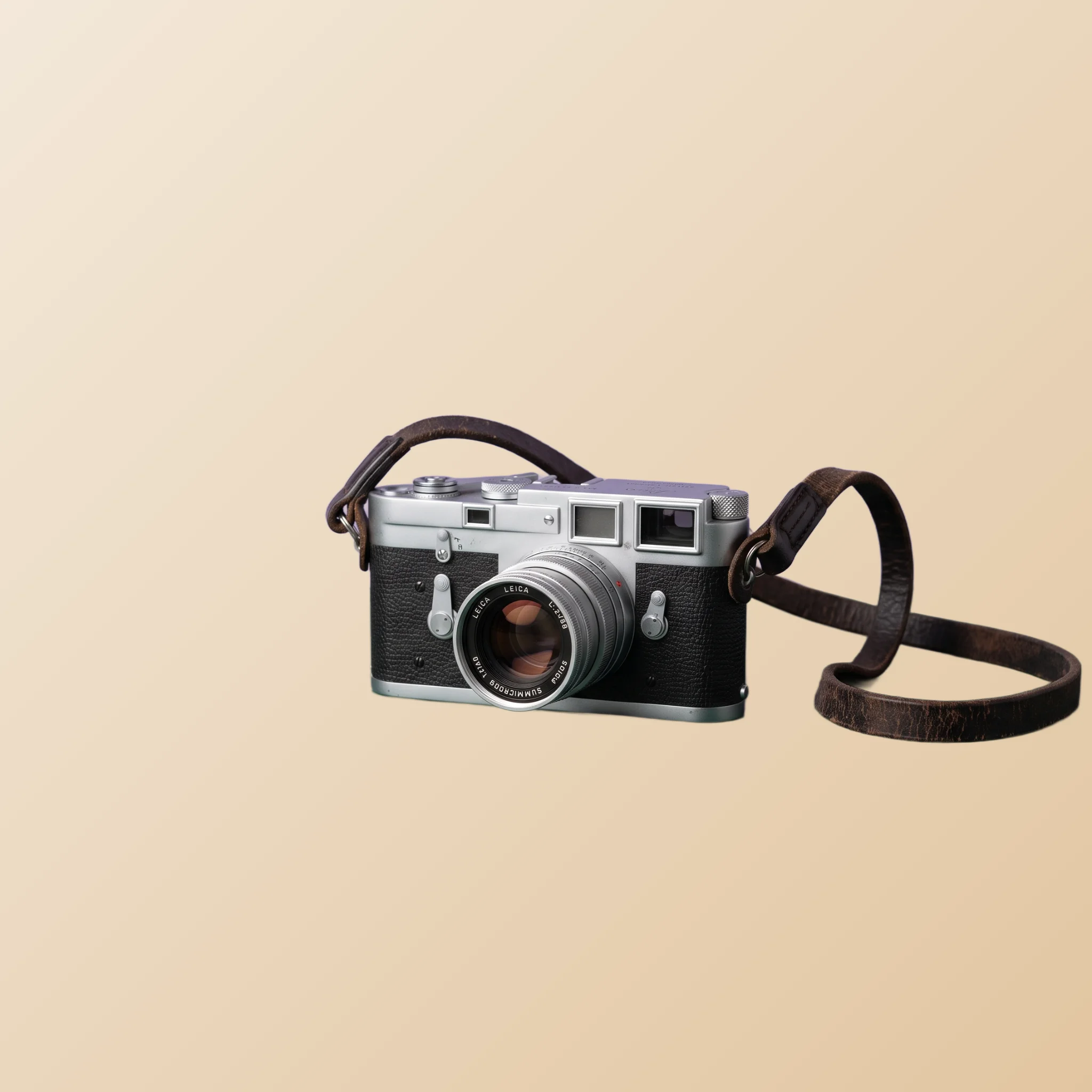
TL;DR. Temu is mass-market, mobile-first and rule-strict. The platform's photo guidelines are actively enforced, buyers make decisions in fractions of a second, and the price points mean every photo also has to overcome skepticism about quality. This guide covers the compliance rules, the composition pattern that wins fast scrollers, multi-variant strategy, and a workflow for sellers running hundreds or thousands of SKUs.
Why Temu photos are a different problem entirely
Temu is not eBay and it is not Shopify. The buyer experience is a personalised mobile feed of products, surfaced by the platform's recommendation algorithm, scrolled at high speed, and evaluated in milliseconds. The seller's job is not to win a comparison shopper deciding between three near- identical listings; it is to stop the scroll on a randomly served product the buyer was not actively looking for.
That changes everything about photo strategy. Compliance with the platform's rules is non-negotiable because non-compliant listings get filtered out before they reach the feed. Composition needs to read at thumbnail size on a phone being held one-handed on a couch. And the photos have to overcome the natural skepticism that comes with very low prices: if the product is this cheap, can it really be what the photo shows?
AI background removal is uniquely useful on Temu because the platform's white-background mandate maps directly to the tool's native output. Cut the product out, drop it on white, comply with the rule, win the feed slot.
Photo guidelines you cannot ignore
Temu enforces its photo standards more actively than most platforms. The rules that have been consistent over time, in broad strokes:
- Pure or near-pure white background on the main image. Colored backgrounds, busy scenes, or textured surfaces typically get the listing rejected or pushed down.
- No watermarks, logos, or added text on the cover image. Promotional text overlays are a common rejection cause.
- Single product per cover photo. Multiple unrelated items in a single shot confuses the algorithm and the buyer.
- Minimum resolution requirements. Below a threshold, photos look soft on mobile and the listing gets deprioritized.
- Accurate representation. Stock photos that do not match the actual product trigger disputes and can lead to seller penalties.
These rules change in detail over time. Check the seller center for the active spec before publishing a set of listings, and treat compliance as a first-class part of your photo workflow, not an afterthought. A clean cutout on white satisfies all the rules out of the box, which is part of why this style has become the default for high-volume Temu sellers.
The half-second window: composing for fast scrollers
Temu buyers swipe through products at extreme speed. The first impression of your listing happens before the buyer has consciously decided to evaluate it. Composition for that moment differs from composition for considered shopping platforms.
Three rules that govern the fast-scroll moment. First, the product fills the frame. 80% to 90% is the target. A product that floats in a sea of white wastes the moment of attention and gets scrolled past. Crop in.
Second, the strongest visual element of the product points up. The opening of a bag, the face of a watch, the logo on a shoe. Buyers' eyes land on the upper portion of a thumbnail first; put the recognizable feature there.
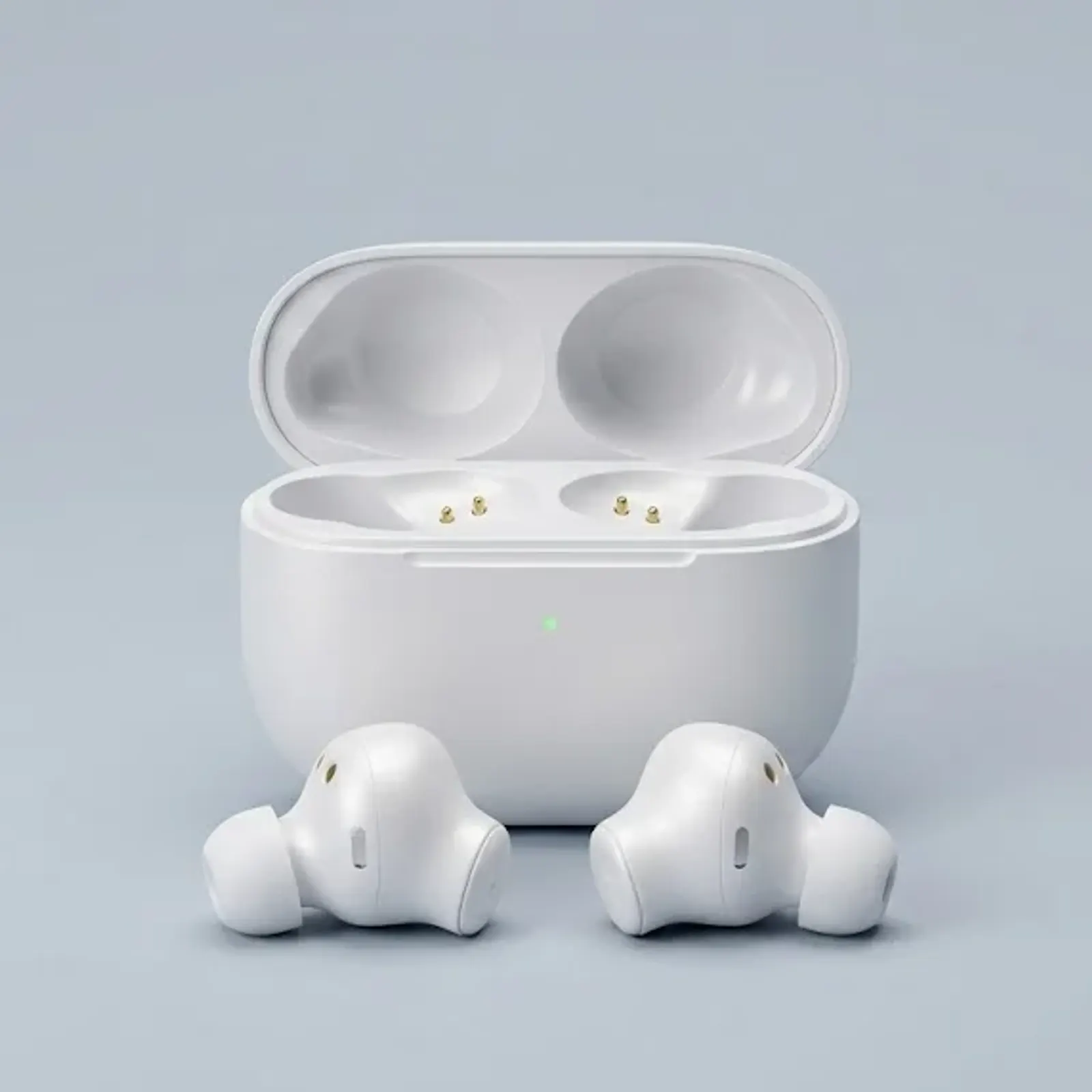
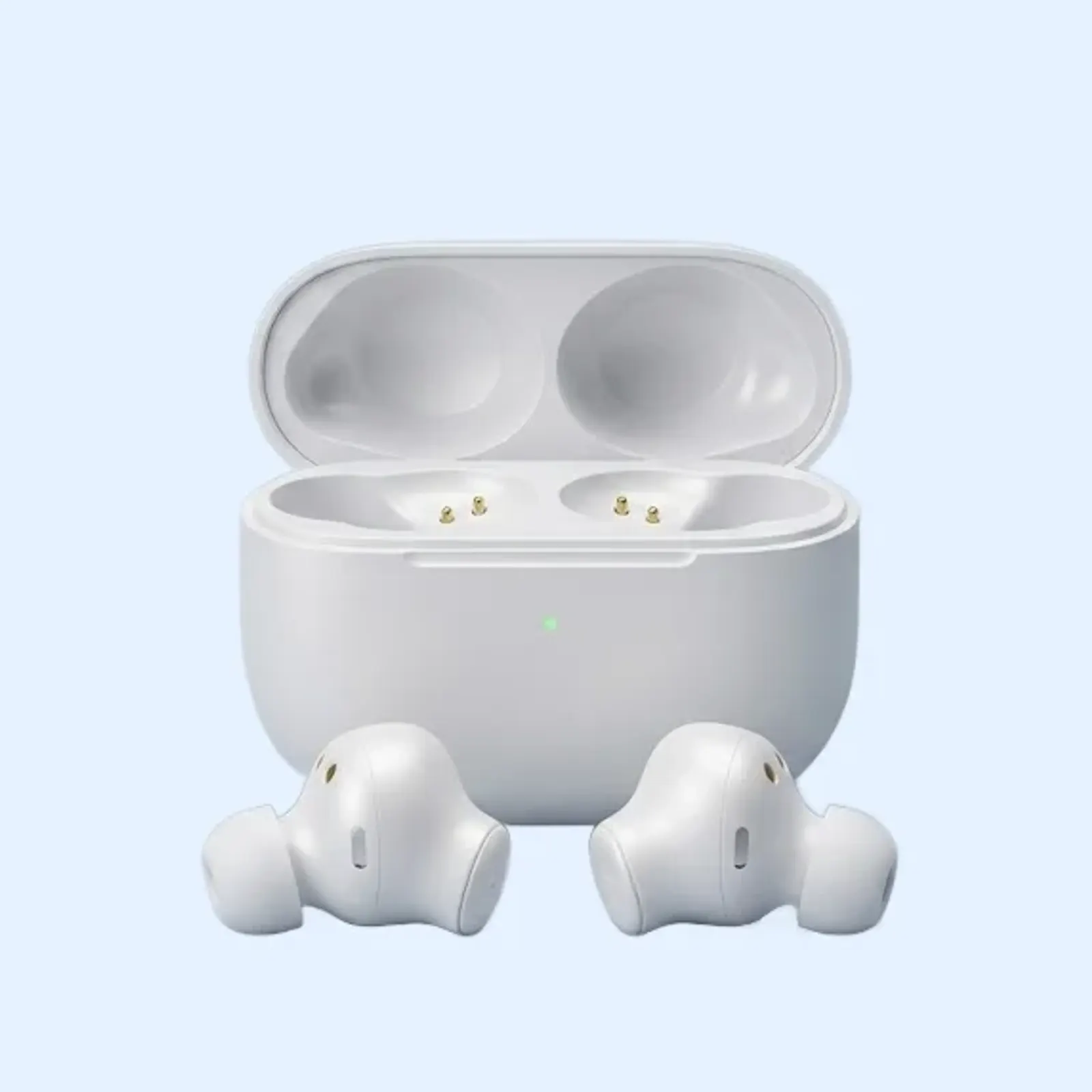
Third, contrast with the white background must be maintained. A white product on a white background disappears, even at full size. For pale or white items, a very-slightly-off-white background (#F8F8F8 rather than pure white) gives just enough separation to keep the product readable without violating the white-background rule.
Handling multi-variant listings
Many Temu listings include multiple color, size, or style variants under a single product. The variant selector on the product detail page shows thumbnails of each option, and consistency across those thumbnails is the difference between a listing that converts well and one that does not.
The discipline: photograph every color variant under identical conditions, in the same session, on the same setup. Run them all through the AI Background Remover with the same approach. Composite them all on the exact same white background with the product positioned identically. The variant thumbnails should look like a color palette of one product, not five different listings stapled together.
For size variants where the photo content does not change, use the same master image. There is no value in generating “ small / medium / large” versions of an identical product photo; the size selector should be text-based when the photo does not vary.
Here is what the compliant transformation looks like in practice, from a casual counter photo to a cover image that follows the pale-product advice above:
Trust signals at mass-market prices
Low price points create a specific buyer psychology. The scrolling buyer who likes the product still wonders whether it can possibly be real at the listed price. Photos are the primary tool the seller has to answer that question.
The instinct is to over-polish. Highly stylised lighting, airbrushed surfaces, glossy presentation. This actually backfires on Temu because it widens the gap between the photo and what arrives. Buyers compare the delivery to the photo, and a glossy photo paired with a real-world product creates disappointment.
The pattern that builds trust at low price points: honest photography of the actual product, clean cutouts that show the item without distortion, and detail close-ups in the supporting photos that prove the materials and finish are what the buyer expects. The cover photo wins the click; the detail photos close the sale by removing doubt.
Add at least one in-use or in-scale photo per listing. A kitchen gadget being held by a hand, a piece of decor on a shelf next to a familiar object, a tool being used. These read as “real product, real situation” in a feed otherwise full of catalog cutouts.
Workflow for high-volume sellers
Temu sellers often manage hundreds or thousands of SKUs. The per-listing photo workflow has to be optimized differently from a boutique store. A few principles that hold across high-volume catalogs.
Define one exact background color and reuse it everywhere. Not just “white”: an exact hex code, locked in across every product. Variation across SKUs reads as inconsistent shop quality and Temu's algorithm reads that inconsistency too.
Build a folder system, not a memory system. One master folder per product, containing the cutout PNG, the cover photo at the required size, and the supporting photos. Naming convention: sku-product-slug-master.png. With a thousand SKUs, no system means chaos.
One focused session beats fifty scattered ones. Shoot fifty items in one session under the same lighting, then run them through the AI Background Remover one after another; the tool processes a single image at a time and each pass takes seconds. Composite every item on the same exact white, match Temu's current size spec with the PictTools Image Resizer, and compress with the PictTools Image Compressor before upload to keep file sizes manageable.
For items already photographed against the wrong background, the AI Background Remover lets you fix the background without reshooting. This is a major time saver when migrating an existing catalog into Temu compliance.
With the routine in place, each item moves from shoot to listing-ready in just a few quick steps. Without that discipline, the same volume drags on far longer than it should.
Common Temu photo mistakes
Most rejected or underperforming Temu listings fail in predictable ways. The patterns that repeat:
Non-compliant backgrounds. Colored backgrounds, busy kitchen counters, lifestyle scenes used as the cover photo. Any of these can cause rejection or deprioritization by the platform.
Watermarks or shop branding on the cover photo. Even small watermarks are a common rejection trigger. Save branding for marketing assets and the supporting photos.
Inconsistent variant photos. Five colors of the same product photographed in five different sessions look like five different products. The variant selector exposes the inconsistency.
Over-polished hero shots that look fake. Heavy retouching at low price points triggers buyer suspicion and creates a disappointment gap when the product arrives.
Skipping detail and in-use photos. A single cover photo with no supporting context leaves the buyer wondering about quality. The detail photos are where trust actually closes.
Treating photos as an afterthought. The photos are the entire interface between the product and the scrolling buyer. Treating them as a quick checkbox rather than the primary conversion tool caps your sales below what the product could otherwise reach.
Frequently asked questions
For the underlying step-by-step of how the AI Background Remover works on any photo, see our companion guide on removing the background from product photos. For the broader cross-platform strategy, the platform-by-platform guide compares Temu to eBay, Shopify, Etsy, and Vinted. For the catalog-consistency mindset that translates well from traditional e-commerce, see the Shopify guide.