

TL;DR. A clean cutout cover photo outperforms a cluttered phone shot on every selling platform, but the right background varies by platform. This guide is the overview: what works on eBay, Shopify, Etsy, Vinted, and Temu. Several platforms also have a dedicated deep-dive guide linked below for the one you sell on most.
Why clean photos sell faster
Browse any online marketplace for thirty seconds and the pattern is obvious. The listings that look like product catalog photos (single item, neutral background, even lighting) consistently outperform listings that look like phone snapshots, even when the items themselves are identical.
Three reasons. First, clean cover photos read as “serious seller” before the buyer reads a word. Second, isolated items are easier to evaluate at thumbnail size in the feed. Third, platforms' algorithms tend to prioritize listings with strong visual engagement, so better photos compound into better placement.
The catch: building a real photo studio is overkill for casual selling, and stripping backgrounds manually in a design tool eats too much time when you have thirty items to list. AI background removal closes the gap. Phone photo on whatever surface was nearby, drop into the tool, get a transparent PNG , composite onto a clean background.
The universal photo strategy
Every platform rewards roughly the same overall photo strategy, even though the background choices differ. Four photos per listing is the sweet spot.
- Cover photo: clean cutout on a neutral background. This is the photo that decides whether anyone clicks.
- Context photo: the item in use or in scale (worn on a person, placed on a shelf, next to something familiar).
- Detail photo: a close-up of texture, stitching, or any feature the buyer cares about.
- Condition photo: close-up of any wear, flaws, or unique markings (honesty drives trust and reduces returns).
The cover photo does the heaviest lifting. This is the one that benefits most from AI background removal. The other three are usually fine as-shot.
Platform-by-platform recommendations
Each platform has its own buyer culture and visual norm. Below is the quick overview for each; click through to the dedicated guide for the platform you sell on most.
eBay
eBay's buyers skew toward product-research mode. They shop with specific items in mind, compare across multiple listings, and reward clarity. The dominant cover photo style is a clean cutout on a pure white or near-white background, matching the look of professional product photography. Clean imagery also earns more clicks from search results, and listings that earn clicks tend to rank better over time.
For the dedicated guide on eBay-specific photo strategy, algorithm signals and seller-tier expectations, see AI Background Removal for eBay Listings.
Shopify
Shopify stores are full-on businesses, not casual listings. Buyers arriving at a Shopify store expect consistent product photography across the entire catalog. Same background, same lighting, same angle conventions. Inconsistency reads as amateur and kills conversion.
Most Shopify themes display product images on a white or very light background by default, so a cutout on pure white is the safest universal choice. AI background removal makes consistency cheap: cut out every product the same way, drop them onto identical backgrounds, and your catalog suddenly looks like a serious brand.
For the dedicated guide on the master file workflow, variant management, surface-by-surface photo strategy, and how to scale a catalog without studio infrastructure, see AI Background Removal for Shopify Stores.
Etsy
Etsy culture rewards curated, styled photography more than catalog cleanliness. Buyers are looking for handmade, vintage, or designed items, and they respond to photos that feel intentional rather than sterile. The cover photo wins or loses the click.
The Etsy-friendly pattern is a cutout placed on a styled background that matches the product's aesthetic: warm wood for handmade kitchen items, textured paper for prints and cards, soft pastels for jewelry and accessories. Cutouts let you build a consistent shop look without owning props.
For the dedicated guide on the 10-photo storytelling framework, background choices by Etsy category, the Pinterest amplifier loop, and how to build shop coherence as a maker, see AI Background Removal for Etsy Sellers.
Vinted
Vinted is fashion-focused and second-hand. The cover-photo norm is a flat lay or a piece worn on a person. Background removal is less about replacing the background entirely and more about cleaning up flat-lay shots to look crisp.
The Vinted-friendly pattern: a clean flat-lay cover photo (item on a neutral surface, with AI used to remove distracting background details), a worn photo as the second image, and detail shots after. The clothing community responds well to photos that feel curated rather than catalog-sterile.
Temu
Temu is mass-market and mobile-first, with buyers scrolling very fast and decisions made. The platform has its own photo guidelines for sellers, and white-background product photography dominates the marketplace.
Temu cover photos that perform: clean cutout on pure white, the item fills around 80% of the frame, no text overlays. AI background removal is borderline mandatory if you want to compete at scale, because the alternative is paying for studio photography for every SKU.
For the dedicated guide on photo compliance, composing for the half-second scroll window, multi-variant strategy, and a repeatable routine for high-volume catalogs, see AI Background Removal for Temu Sellers.
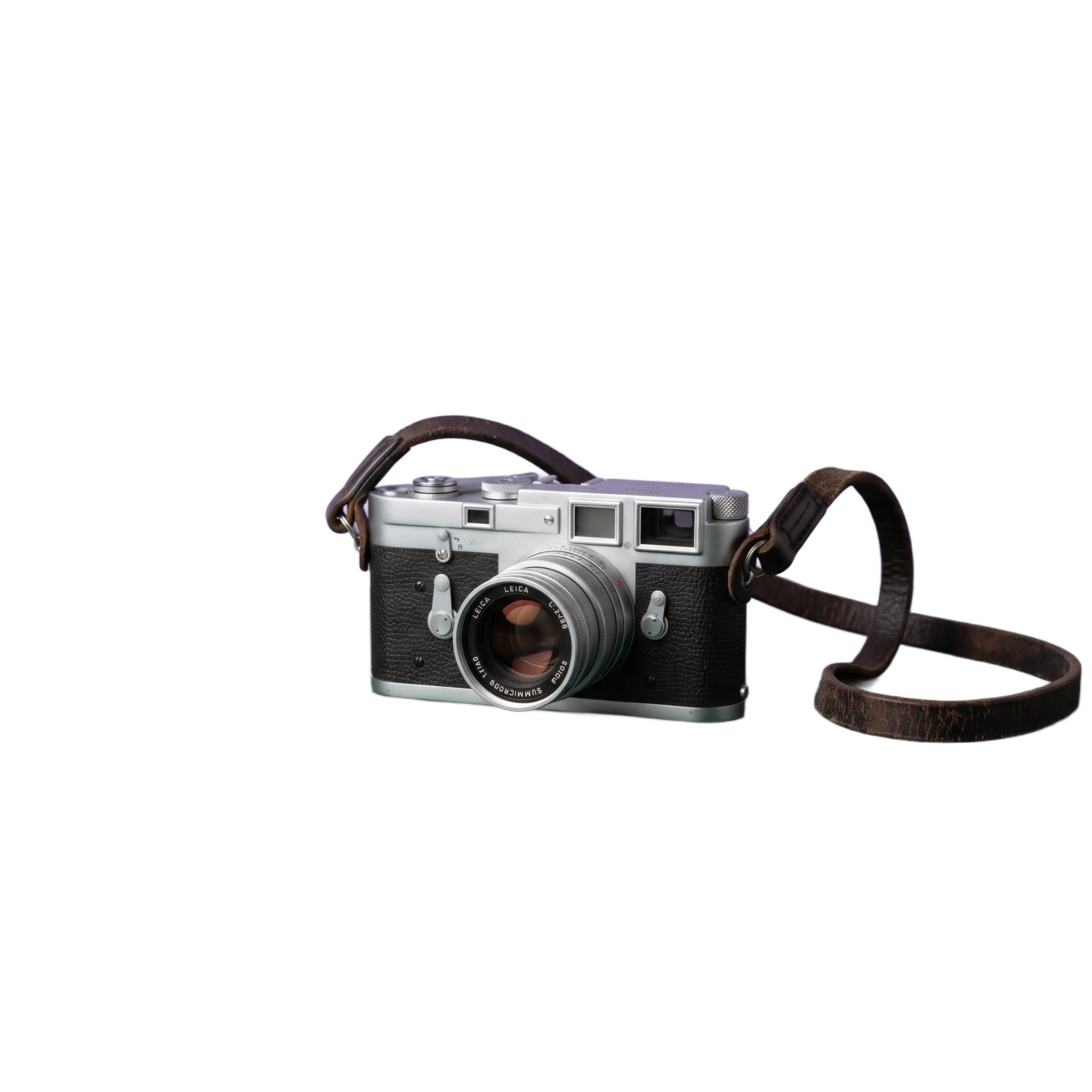
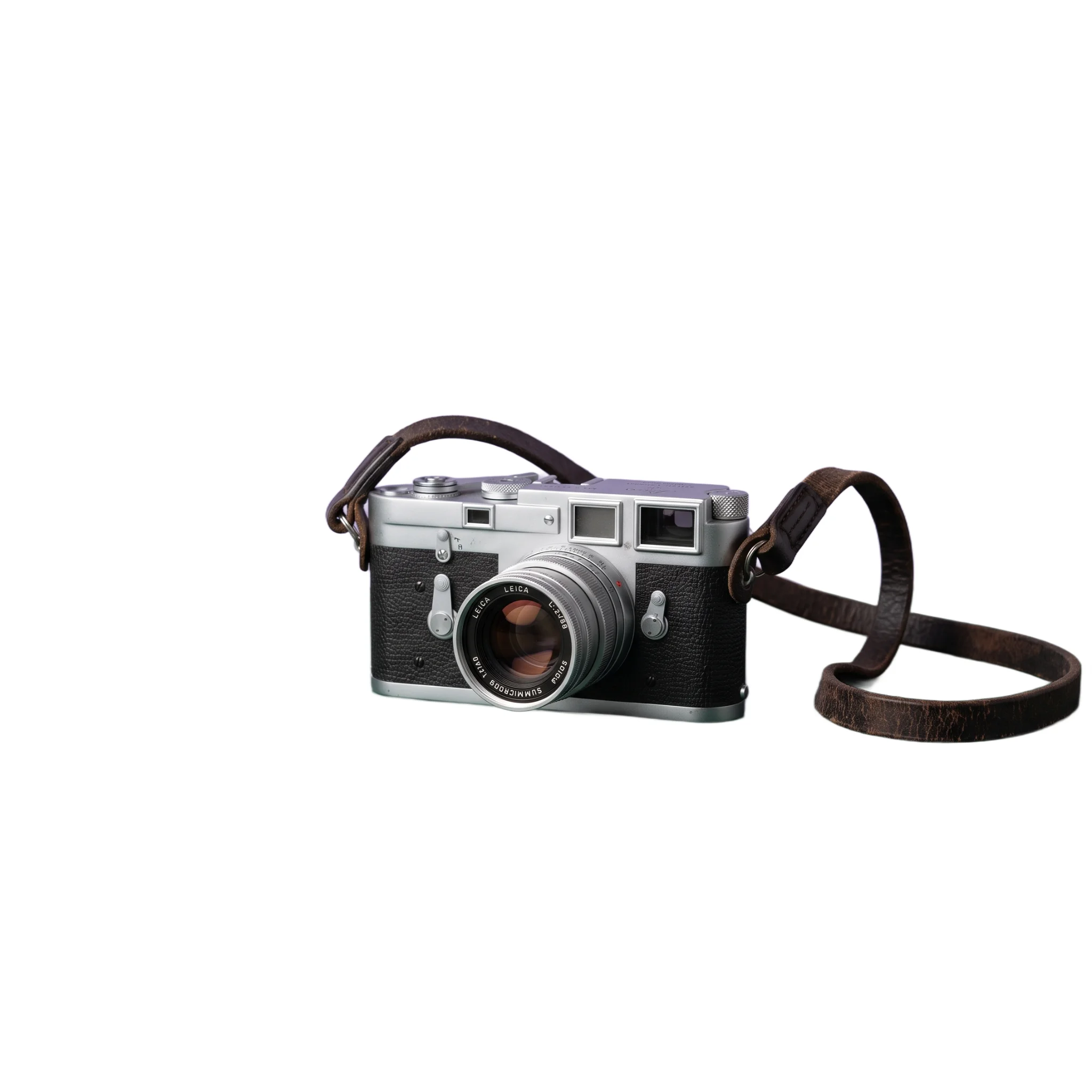
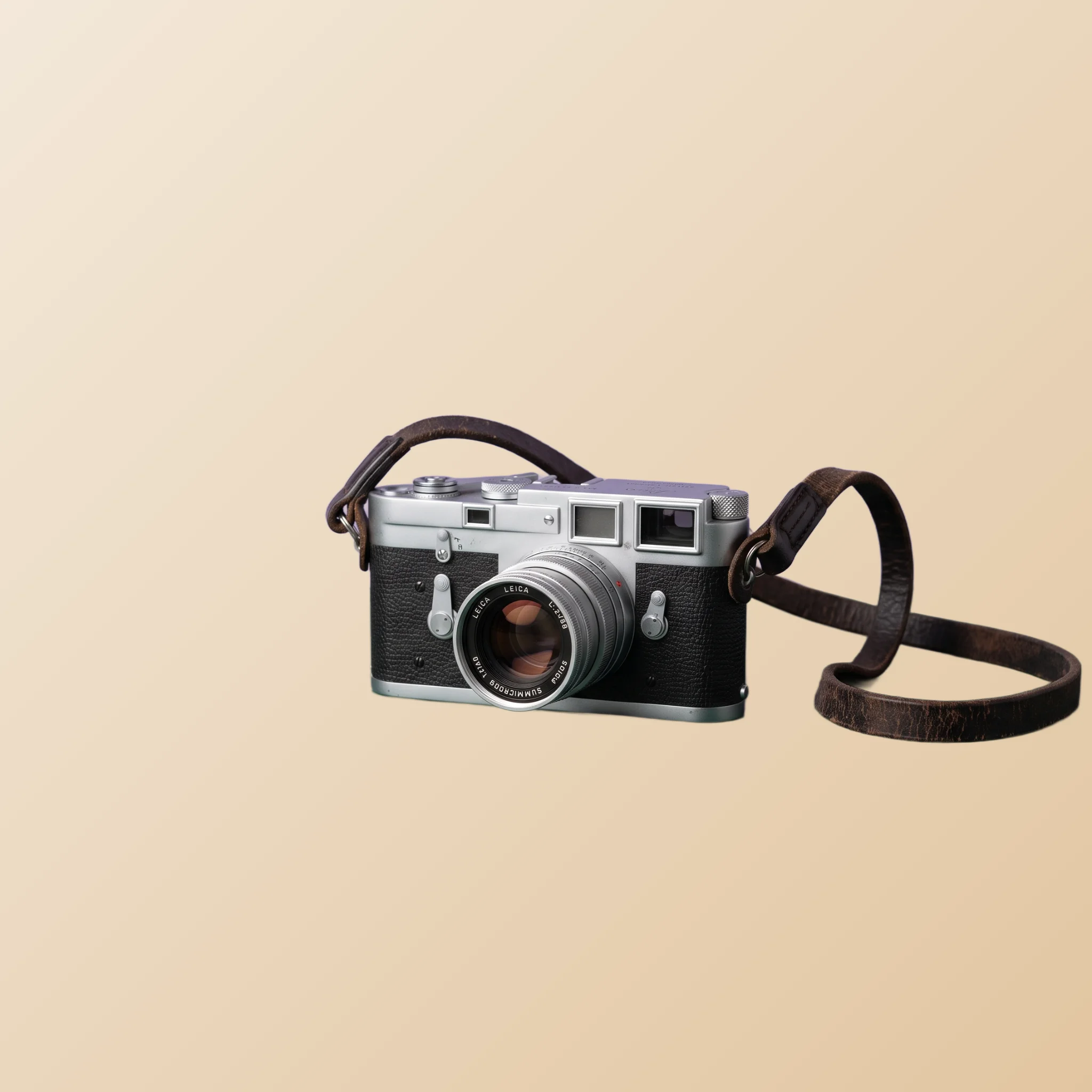
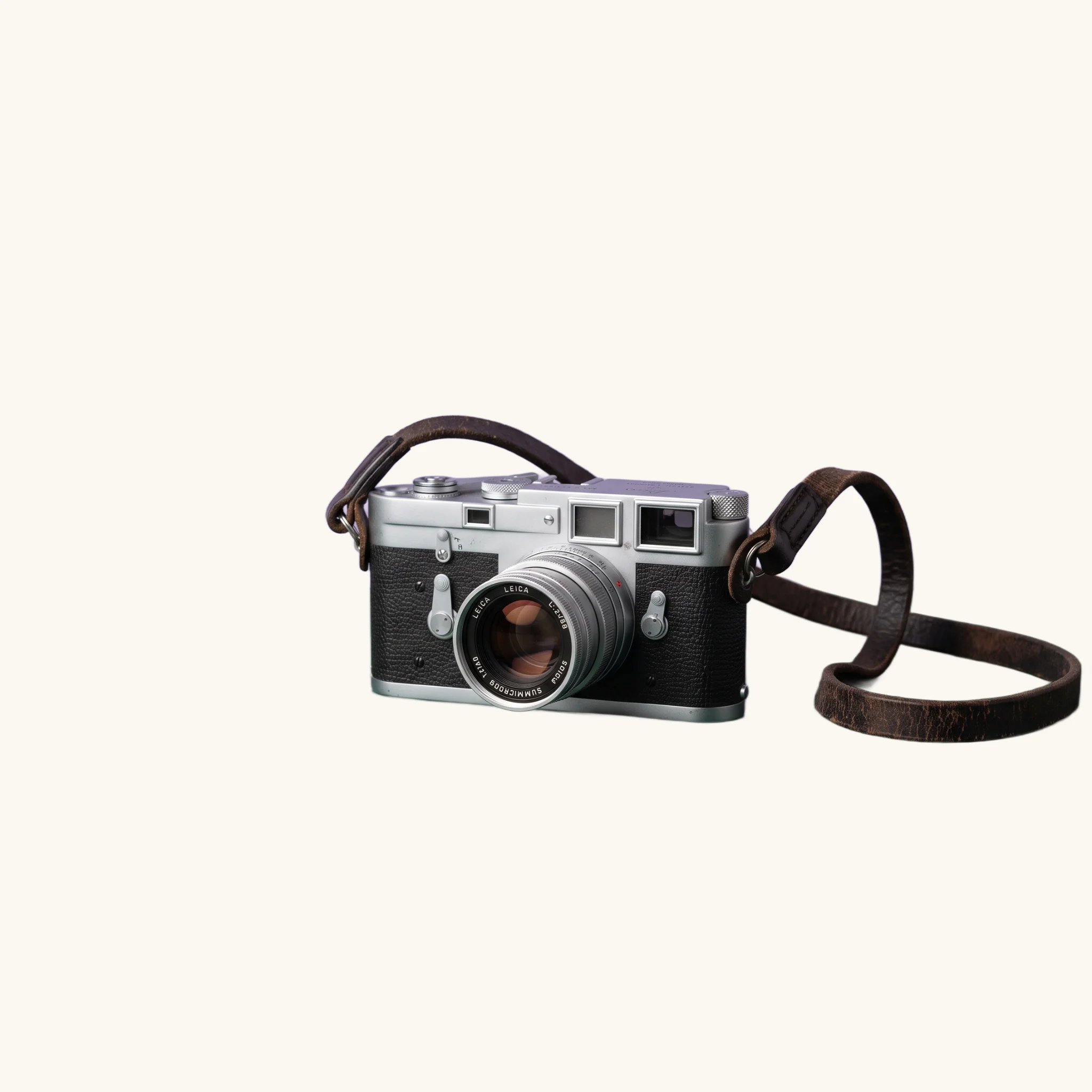
From that one cutout, the backdrop options inside the tool (solid color, gradient, or an image you provide) produce a platform-matched cover photo in a couple of clicks:
Batch workflow for many listings
The break-even point for AI background removal is around five listings. Below that, just shoot carefully and skip editing. Above that, batching pays for itself fast. To be clear about what batching means here: the tool processes one image at a time, and each pass takes seconds. The speed comes from the discipline of doing all your items in one focused session, not from a bulk button.
1. Shoot everything in one session. Same lighting, same surface, same camera height. Consistency at the shoot saves time at the edit.
2. Process cutouts in sequence. Open the AI Background Remover, upload, download, repeat. Each cutout takes seconds, including any edge refinement. After each download the tool offers crop and resize follow-ups, so you can prep the image for your target platform right there.
3. Pick one background and reuse it across all items. Consistency across your listings is part of your visual brand on every platform. A muted off-white or a soft cool gradient works almost universally.
4. Resize per platform if needed. Different platforms accept different ratios. Most welcome square. The PictTools Image Resizer adapts one master image to multiple targets, and the Image Cropper handles any platform that needs a specific aspect.
5. Compress before upload. Phone photos run 4 to 10 MB raw. Compressed to around 200 to 400 KB they upload faster and use less mobile data. Use the PictTools Image Compressor between processing and upload.
Common mistakes that kill sales
Most underperforming listings fail in predictable ways. Avoid these and you outperform a large share of the competition on every platform.
Cluttered background not cleaned up. A pile of laundry, a kitchen counter, the corner of a couch. All read as “lazy seller” before the buyer registers the item itself.
Yellow indoor lighting. Standard incandescent bulbs cast a yellow tint that makes any item look cheap. Daylight from a window beats indoor light for almost any item. If you have to shoot indoors at night, the white balance fix is worth doing.
Photos that hide flaws. Skipping a damage photo, or angling the shot to avoid showing wear, is the one edit that backfires. Buyers find out anyway when the item arrives, then leave negative feedback and request returns.
Cover photo and other photos in different styles. A clean cutout cover followed by three blurry phone shots breaks the polish. Either all photos get the same treatment or the listing looks like a mismatched set.
Showing the same angle four times. Buyers click through hoping to see different aspects of the item. Four cover-style photos waste the slots. Use one cover, two contexts, one condition close-up.
Ignoring platform conventions. A pure white background looks great on eBay and out of place on Etsy. A styled scene looks great on Etsy and uninformative on Temu. The platform sections above cover the norms; matching them beats fighting them.
Frequently asked questions
For the underlying step-by-step of how the AI Background Remover works on any source photo, see our companion guide on removing the background from product photos. The mechanics are identical for any seller workflow.